Know which accounts to work first — and why
ChatAE Account Score evaluates every account against your research triggers — strategic fit, buying signals, and competitive positioning. Scores are grounded in what the research actually found, not a static firmographic formula.
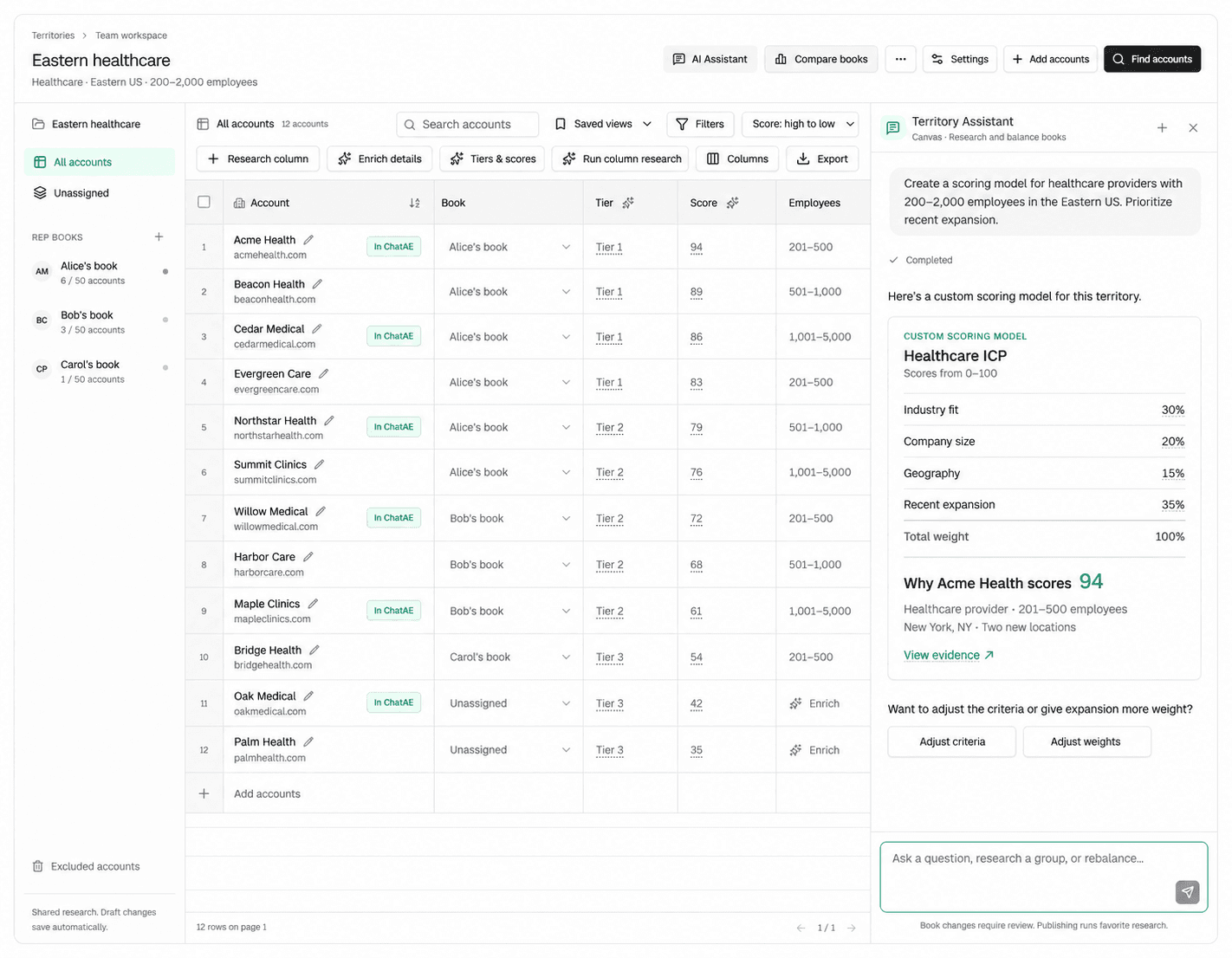
Every account scored 0–100 based on research
Strong research fit and clear buying indicators.
Solid fit with room to deepen research.
Partial fit — may need more research or different triggers.
Research signals don't match what you sell.
Most account scoring uses employee count, revenue, and industry to rank accounts. That tells you the company is big — not that it's a good fit for what you sell. ChatAE scores accounts using the same research your team would do manually, run automatically and evaluated against triggers you define.
Score and tier accounts across your entire territory
Territory Builder uses Account Score to rank and tier every account in a territory draft. Score accounts before assigning them to reps so books are balanced by quality, not just quantity. Compare tier distribution across books — see which reps are loaded with Tier 1 accounts and which need rebalancing.
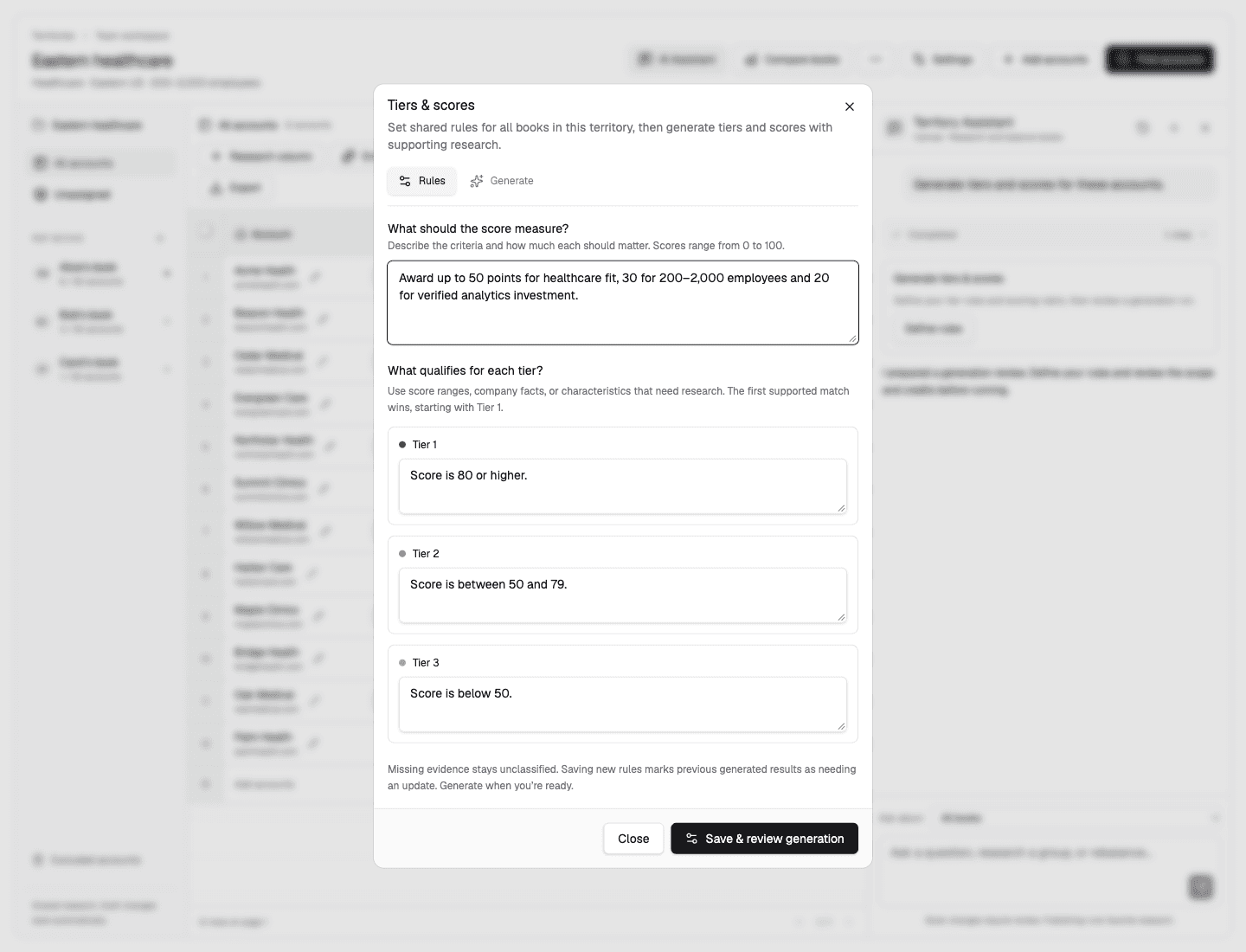
Build your own scoring model in Territory Builder
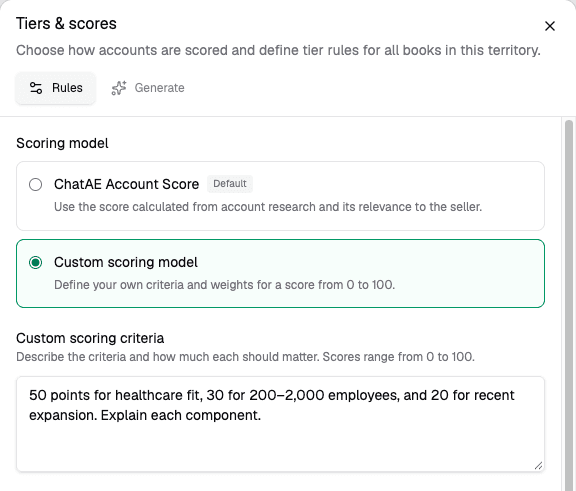
ChatAE Account Score works out of the box, but Territory Builder also lets you define custom scoring models with your own criteria and weights. Score accounts on competitive displacement, technology fit, or any signal that matters for a specific segment or region. Set tier rules that map score ranges to Tier 1, 2, and 3 — then generate tiers and scores across every account in the territory.
Sync scores to your CRM and keep them current
ChatAE connects to Salesforce, HubSpot, and other systems of record — or use the Data Feed API to push scores into any system. Scores update dynamically as new research runs, so your CRM always reflects the latest account fit, not a stale import from last quarter.
Scores update automatically as ChatAE runs new research. No manual re-imports — your CRM stays current.
Define different scoring models for different regions, segments, or go-to-market motions. Each feeds back to your CRM independently.
Scores sync alongside the research evidence, enrichment data, and contacts that back them — so reps see the why, not just the rank.
How Account Score works
Configure research triggers
Define the signals that matter for your sales motion — competitive displacement, hiring into key functions, funding rounds, strategic initiatives, technology investments.
ChatAE researches every account
When you add or refresh an account, ChatAE runs research across public and connected sources, evaluating each trigger against what it finds.
Scores reflect what was found
Each account gets a 0–100 score based on trigger matches, signal recency, and evidence strength. Scores update as new research runs.
